How to Organise Your Photographs
Don't sort all of them. Find the ones that matter, search the rest, and make one backup you actually control.
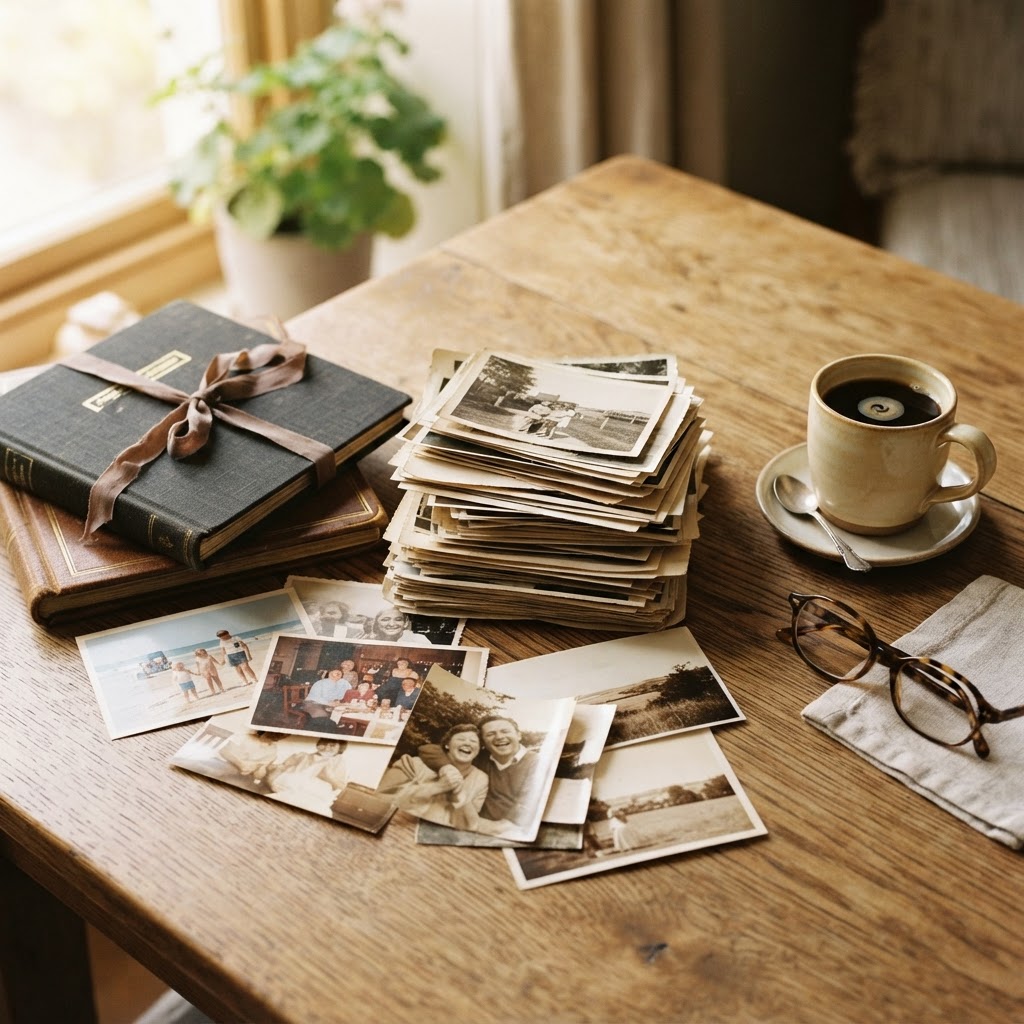
Twenty thousand photographs is, at this point, a modest collection. The phone has made photographers of everyone, and the cost of that abundance is a camera roll no one ever looks at again.
The goal is not to sort all of them. The goal is to find the ones that matter and to let the rest be what they are: a record, searchable, not curated.
Step one: stop the bleeding
Turn on automatic backup, but also turn on the setting that keeps your camera roll under control. Delete obvious duplicates and screenshots the moment you take them, or set a weekly reminder to do so.
Step two: use the tools you already have
Both Apple Photos and Google Photos search by what is in the image — 'dog,' 'beach,' 'wedding,' a person's face. You don't need to tag anything manually for the library to be searchable. This is the single most useful feature of modern photo apps, and most people never use it.
Step three: the annual cull
Once a year, ideally in a quiet week, sit down with the year's photographs and be ruthless. Keep the ones that mean something — faces, occasions, the few landscapes that still move you — and delete the rest. A curated library of two thousand photographs you'll actually revisit is worth more than fifty thousand you won't.
Step four: the archive that lasts
For the keepers, make a real backup. An external hard drive, copied once and stored somewhere else. Cloud storage is convenient but it is not permanent; accounts close, companies change terms. A local copy you control is the one that's yours.
What not to do
Do not attempt to organise by hand into folders. It is a project that will never finish, and it misses the point: the search is the organisation.