What Actually Is the Cloud?
The cloud is not a different kind of storage. It is the same storage, kept somewhere else.
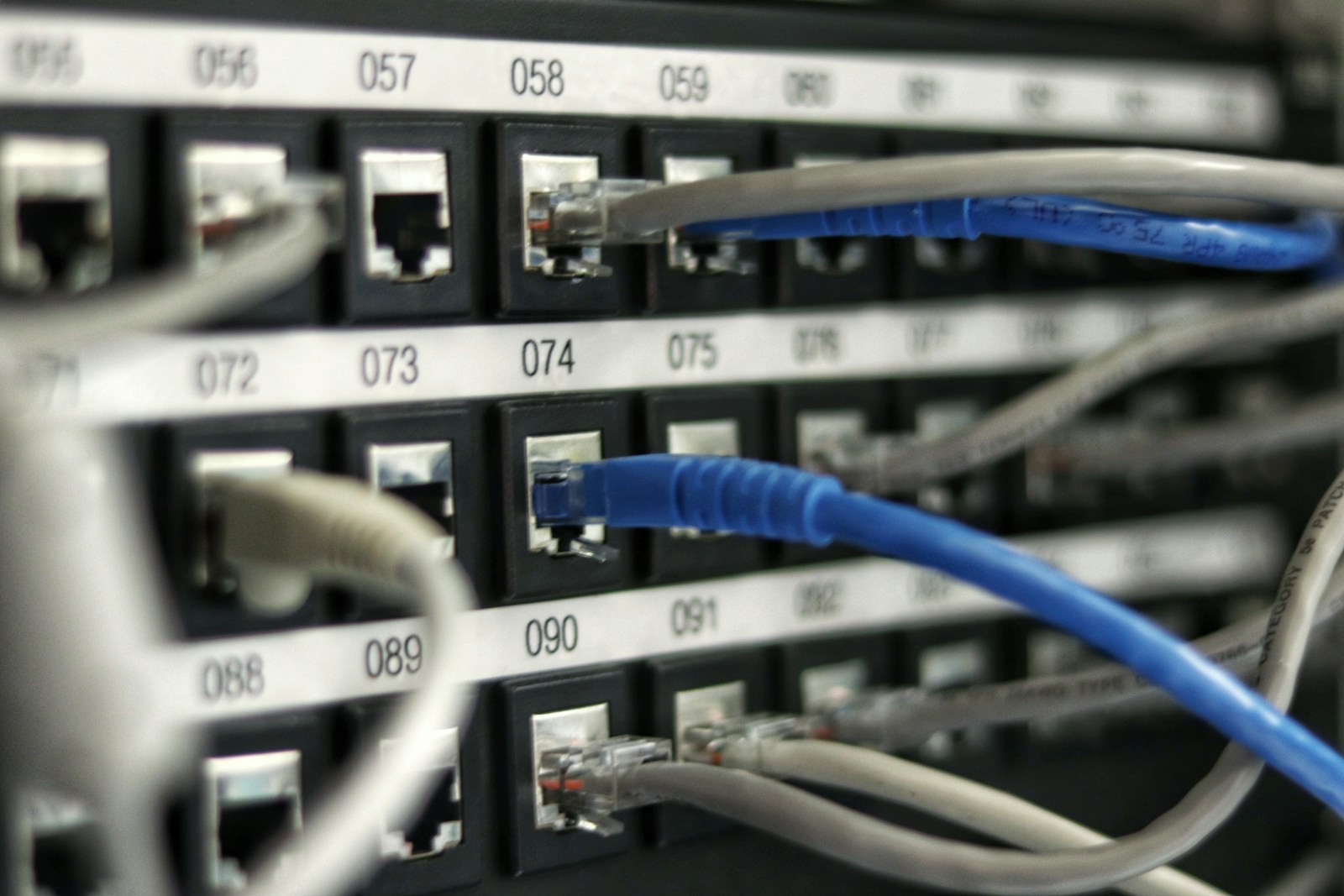
The cloud is not in the sky. It is, almost always, someone else's computer.
When a service says your photographs are 'in the cloud,' what it means is that they are stored on servers owned by a company — Apple, Google, Amazon, Microsoft — in a data centre somewhere, and you access them over the internet. That's it. The cloud is not a different kind of storage; it is the same storage, kept somewhere else and made available to you on demand.
Why this matters
Understanding this changes three things. First, your photographs exist in a place you do not control. If you stop paying for storage, or if the company changes its terms, access can change. Second, the company can, in principle, see your data unless it is end-to-end encrypted — and most cloud photo services are not. Third, if your account is compromised, your photographs are too.
The two places your photos actually live
If you take a photo on your phone and it's also 'in the cloud,' there are two copies: one on the phone and one on the server. If you delete it from the phone and the sync is on, it is often deleted from the cloud too. This is the source of most accidental loss.
A sensible approach
Keep the cloud for convenience — access from any device, sharing, a copy if the phone is lost. But keep a separate, local backup of the photographs that matter: an external hard drive, updated occasionally, kept somewhere else. Two copies in two places is the minimum for anything you cannot bear to lose.
Sources: Canadian Centre for Cyber Security — Cloud guidance.
Read Next

How to Organise Your Photographs
Don't sort all of them. Find the ones that matter, search the rest, and make one backup you actually control.

The Rise of Korean Beauty
How Korean skincare reshaped the global beauty conversation — and which of its ideas are genuinely worth adopting, from daily sunscreen to centella, niacinamide, and the discipline of prevention.
How to Stop Spam Calls
Register with the Do Not Call List, silence unknown callers, and never answer a number you don't recognise.